
Invoicing is straightforward once you understand the basics. This guide covers what an online invoice really is, which fields the law requires, how to create one correctly, and when you can still use a paper invoice. You also get a quick view of electronic invoicing and the 2027 changes every freelancer should know.
What counts as an online invoice?
Any invoice made or sent using a digital tool (PDF or invoicing software).
Is a PDF invoice valid?
Yes, as long as it includes all required data.
Do freelancers need electronic invoices?
Only for public administrations right now. For private companies, the rule starts in 2027.
Are paper invoices still allowed?
Yes. They follow the same rules and numbering.
Is Verifactu mandatory yet?
No. The AEAT services are live and you can use them voluntarily now. Mandatory from 1 January 2027 for companies and 1 July 2027 for autónomos.
Creating an invoice online simply means you use software instead of handwriting it. For freelancers, this usually means generating a PDF or using a simple invoicing app.
You'll see three types:
PDF invoice
The everyday format. Easy, legal, and accepted by all clients.
Electronic invoice
A certified invoice used with public administrations and required for B2B from 2027.
Paper invoice
Still valid, but more work: you calculate VAT and IRPF by hand and manage your own numbering.
Online tools make life easier: they calculate taxes, enforce numbering, store invoices, and avoid formatting mistakes.
The law requires the same information for every invoice:
Optional fields like delivery date or project reference are fine but not required.
Most freelancer mistakes happen here: wrong VAT, missing NIF, forgetting IRPF, or mixing series.
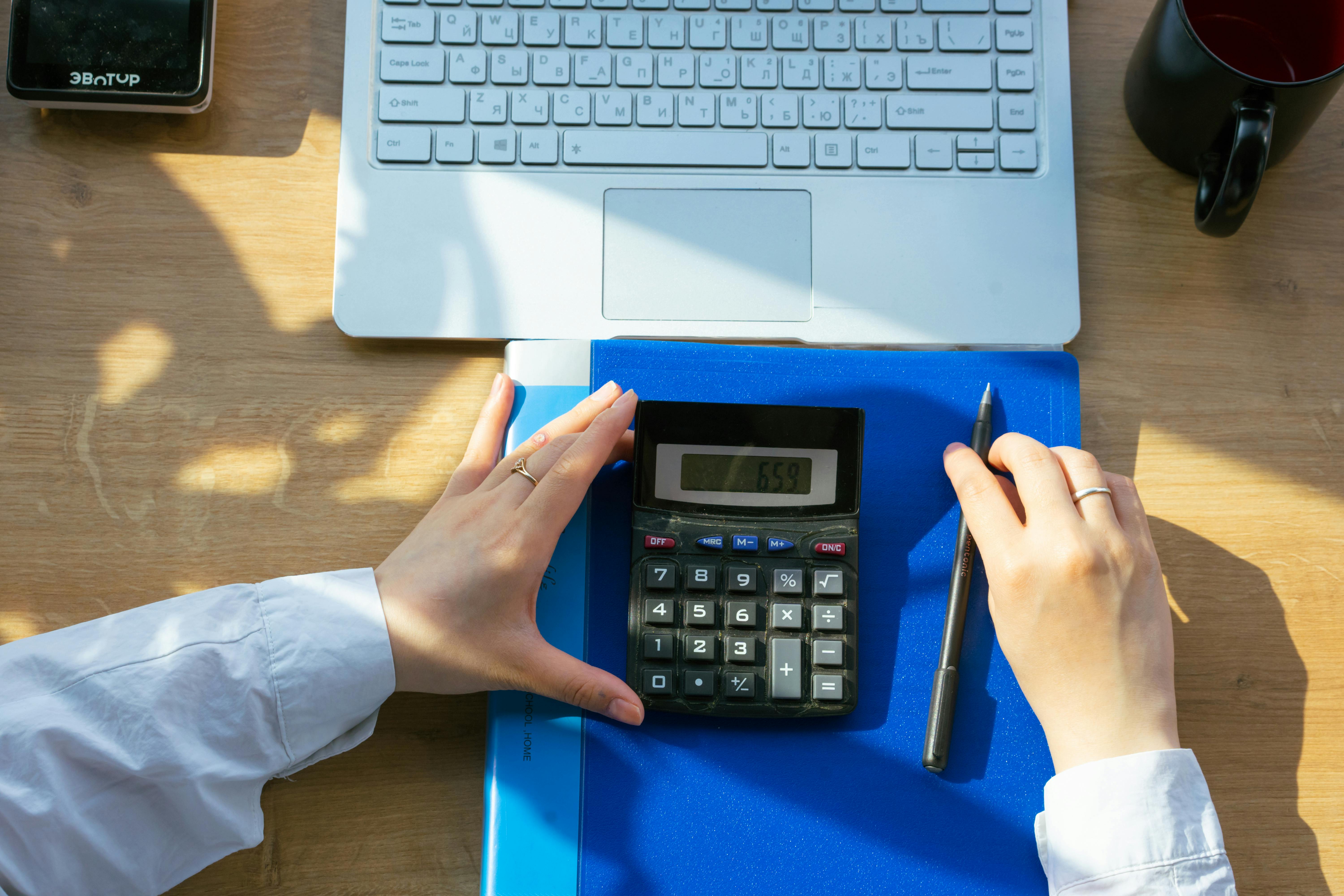
Using an online tool:
On paper:
Manual invoices still work, but they are easier to get wrong.
Paper: legal, simple, but slow and easy to miscalculate.
PDF: fast, clean, and accepted everywhere.
Electronic: certified invoice. Required for public administrations now, and required for B2B from 2027. Your invoicing software handles the signature and sending. You only need a digital certificate.
Right now, for daily freelance work, PDF is all you need. You can find more on how to make an invoice.
Online tools manage this automatically. Paper requires more discipline.
Today you need electronic invoices only for public administrations.
From 2027, private businesses must also use electronic invoices under the Crea y Crece regulation (final Royal Decree pending). Freelancers must be able to receive them and later issue them.
Verifactu is Spain's certified invoicing system: it tracks invoice integrity and numbering with a QR code on every invoice. Mandatory dates are confirmed:
Your invoicing software will handle the technical requirements. The key is choosing a Verifactu-ready tool now, before the deadline. Mandatory electronic invoice for self-employed.
A good invoicing tool should:
Word or Excel templates are fine for very low volume. Beyond a few invoices per month, software saves time and avoids errors.
Paper invoices can be mailed, but digital is faster and traceable.
Spain requires you to keep all invoices for 4 years.
renn's electronic invoicing tool handles everything for you, including full Verifactu support, automatic VAT and IRPF calculations, and more for free.
Online invoicing keeps things simple, fast, and compliant. Paper still works, but it's easy to get wrong. With Verifactu mandatory from 1 January 2027 (companies) and 1 July 2027 (autónomos), using proper software now means fewer mistakes, quicker payments, and smooth tax filing.